Tickr
Simple time tracking for project work
Track time by company and project, see where the week went, then export everything to CSV when it's invoice time.
One timer, one tab, one place — no spreadsheets, no toggling.
Free to use No credit card Set up in seconds
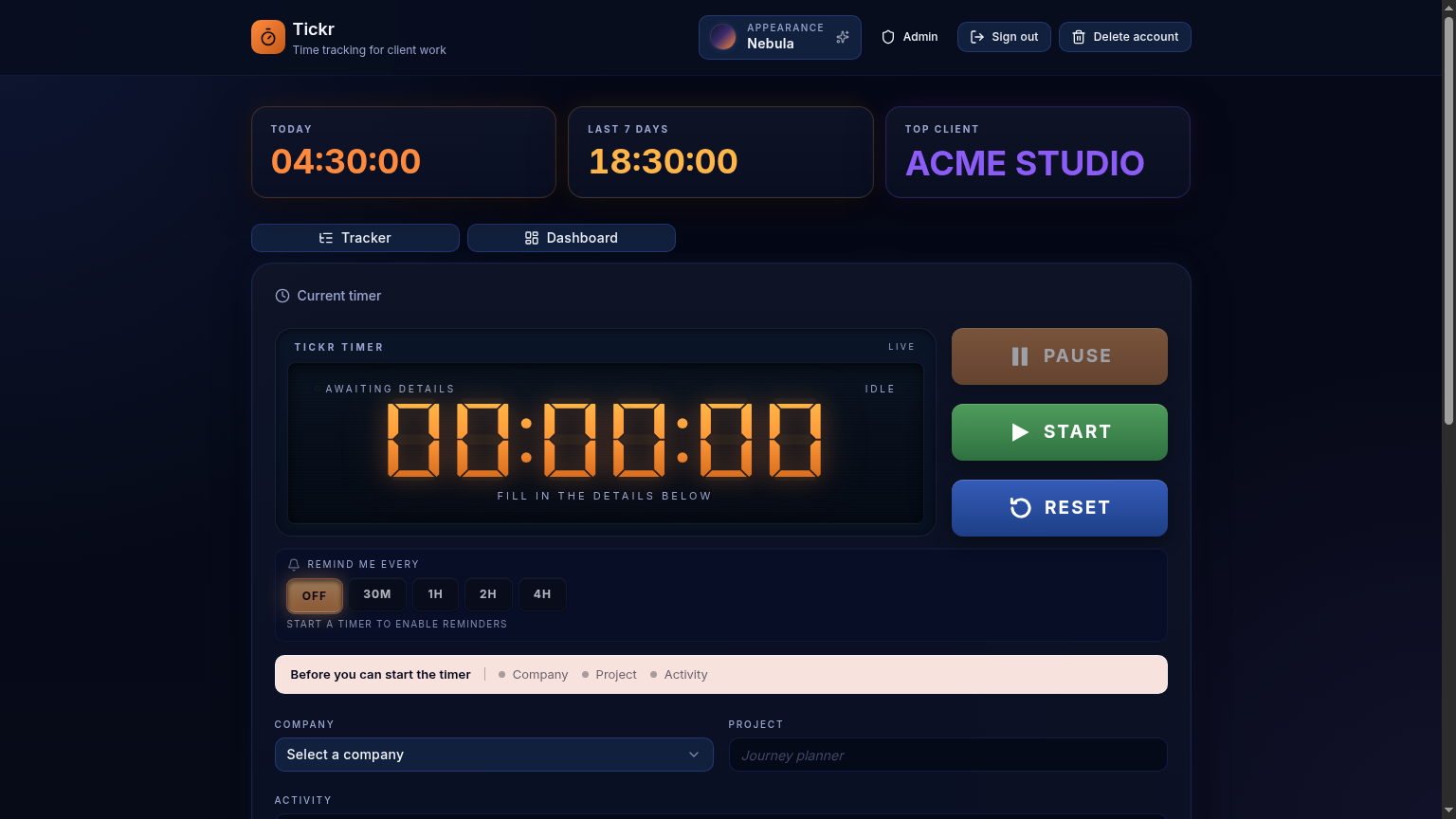
One timer, zero friction
One timer for whatever you're working on
Pick a company, project and activity, hit start, and carry on with your work. The timer stays visible so you always know it's running.
Tracked sessions, grouped your way
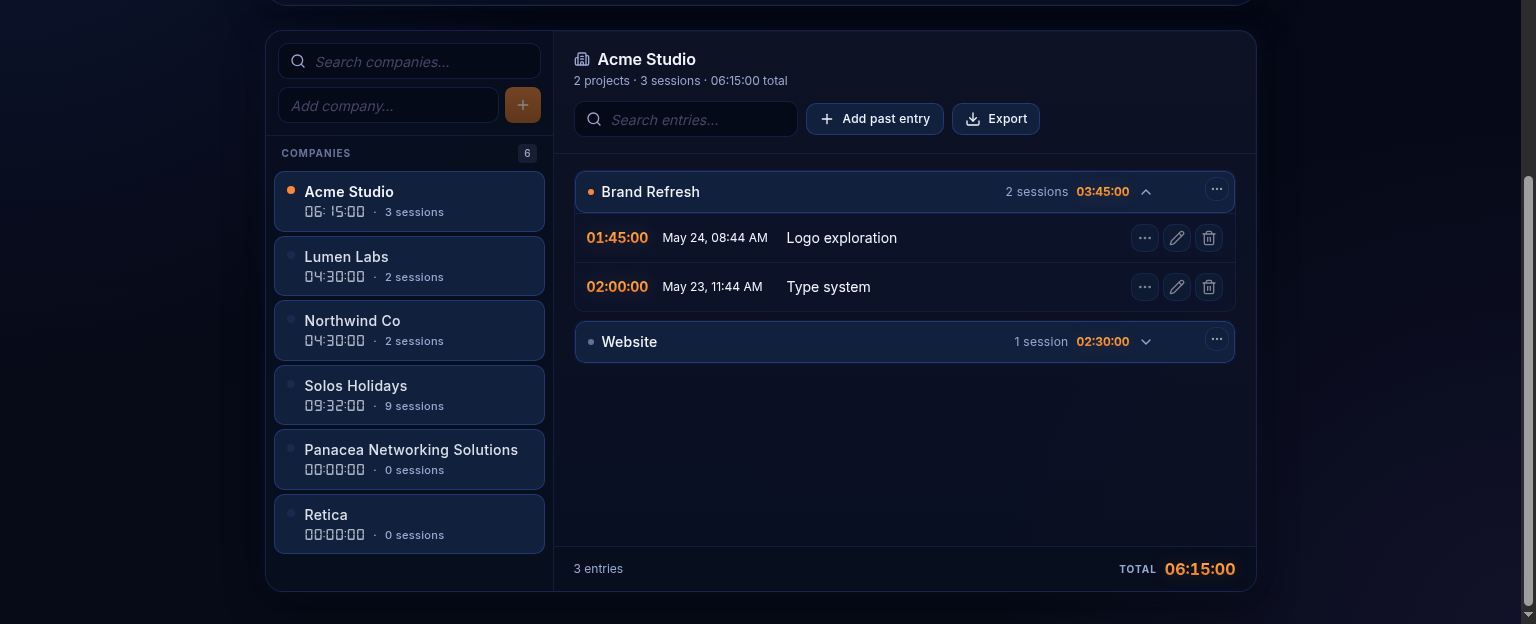
All your sessions organised by company and project
Browse companies in the sidebar, open projects, continue old sessions, move entries around, or export everything to CSV when you need it.
Dashboard insights
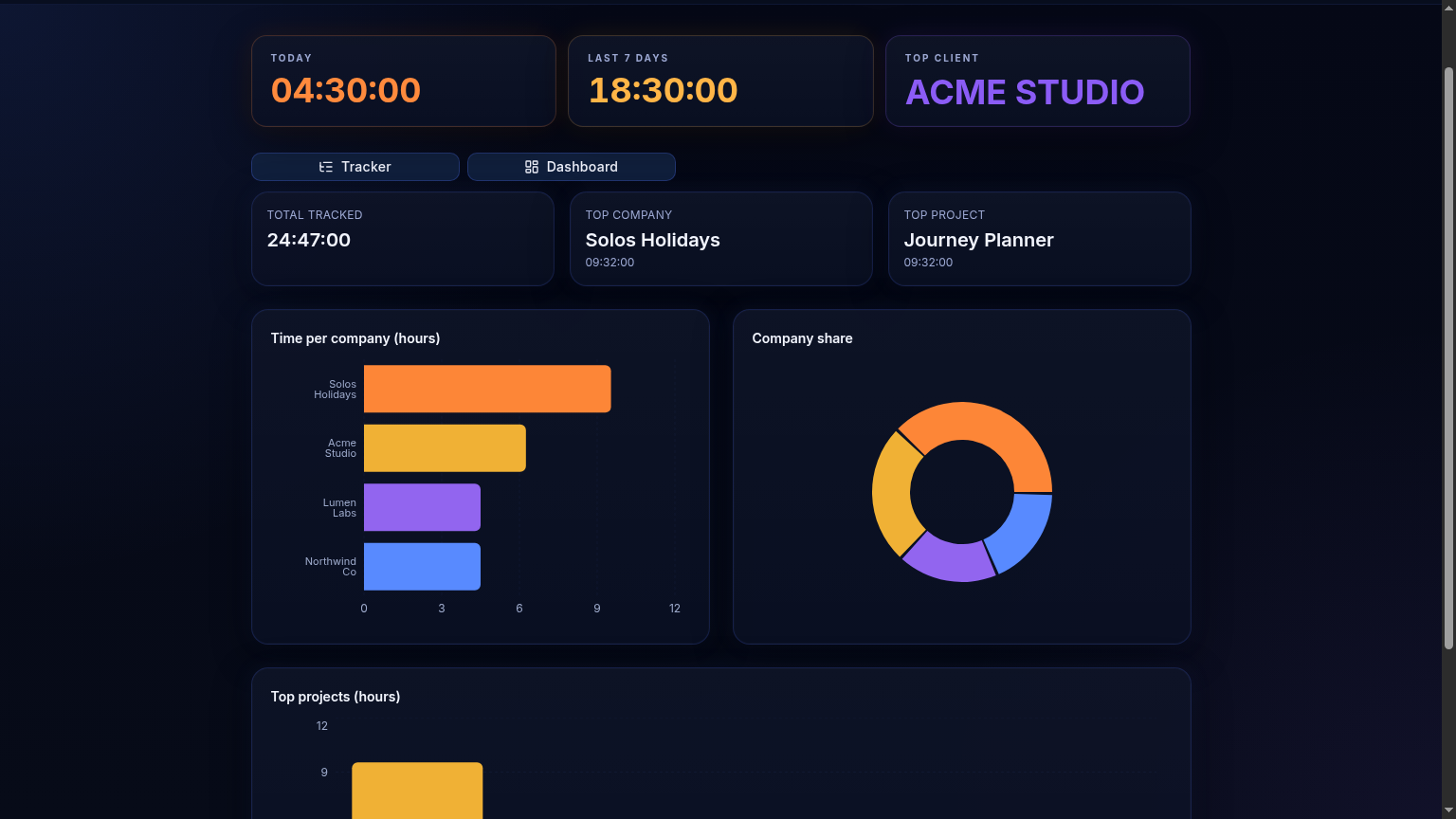
See where your week actually went
Quickly see which companies and projects took up most of your time without messing around with spreadsheets.